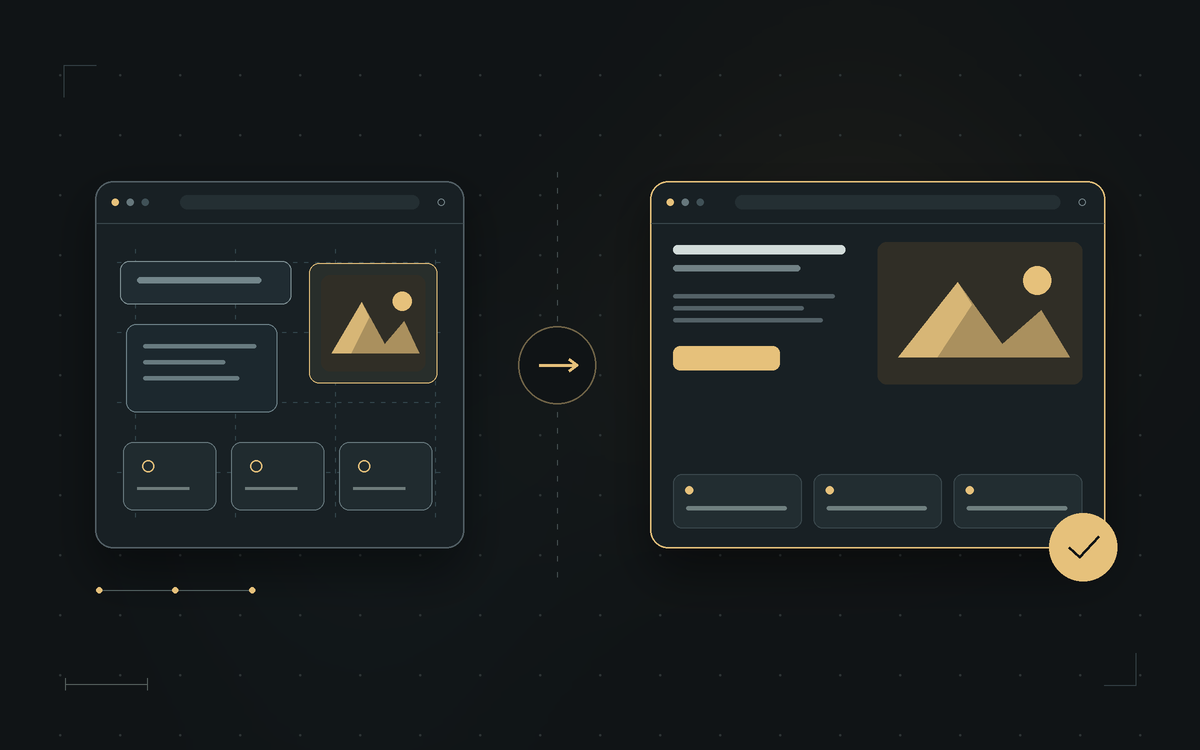
How to buy an established website: from choosing to taking over
If you are wondering how to buy an established website, start with its purpose and what exactly you are taking over. A good purchase brings together a project that suits your business, verifiable information and a clear agreement on the handover. This guide follows the whole process: from the first review, through checking what the offer includes, to the moment the website shows your details and enquiries arrive at the right address.
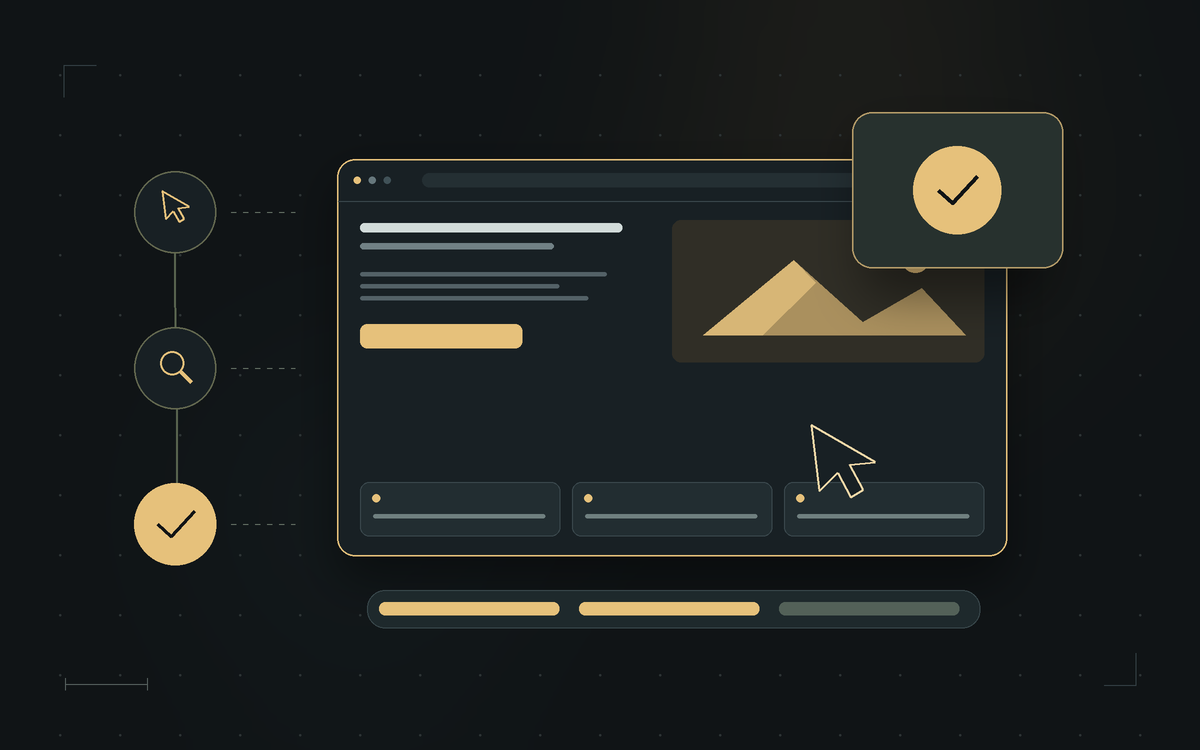
How to buy an established website in seven steps
- Define the website’s purpose and your total budget.
- Review the website and try out the important features.
- Ask for a list of everything included in the purchase.
- Check the traffic and business data if they are part of the offer.
- Agree the price, changes, timeline and how the handover works.
- Take over the agreed access and check that the website works.
- Arrange maintenance, costs and your first next steps.
1. Write down what the website should do for you
Instead of “I need a modern website”, write a concrete task: presenting services, collecting enquiries, selling products or publishing content. Add the pages and features you need. If you offer catering, an overview of the menu, photos and a good enquiry form may matter most. If you sell goods, product editing and the whole ordering flow matter more. That way you will more easily recognise a project that already has the right foundation.
Split the budget into the purchase, initial customisation and ongoing use. Leave room for the content you are missing. Photos of your work and clearly described services may be essential to get started, even when the website itself is completely finished. Keep the list of must-have features separate from the wishes you can realise later.
2. Review the website from a visitor’s point of view
The gallery and video walkthrough are useful for a first impression; then open the live version of the website. Look at it on a phone and on a computer. Check readability, the menu, service pages, images, links and contact details. To test sending an enquiry or an order, arrange a trial with the owner, so the test is not mixed up with a real customer request.
Also ask for a short demonstration of content management, if the website supports it. Have them show one task you will do often, such as changing the price list or adding a photo. If a technical team does that, check how you send them a request and how extra work is charged. The goal is to understand in advance both the website the visitor sees and the duties of the person who runs it.
3. Make a list of what you are taking over
- The website: files, the database where there is one, and the agreed features.
- The domain: whether it is included and who arranges the change of registrant.
- Content: texts, photos, video, logo and the terms for using them from now on.
- Accounts: the admin area, hosting and connected services that can be part of the handover.
- Support: documentation, training and any maintenance after the purchase.
For every account or add-on, ask whom it is tied to and what is needed to keep using it. WordPress software, for example, is released under the GPL licence. That fact alone does not clarify the commercial package that comes with a website; ask separately about the terms for support, updates, photos and connected services from their providers.
Source: WordPress: software licence (new tab)
4. Check the results that affect your decision
If you are buying a new project, it is expected not to have a developed traffic history. If the owner highlights an audience or revenue, ask for data that supports it. Talk about the period, seasonality, traffic sources and running costs. Revenue is not the same as profit, and a total number of visits does not tell you how many people actually send relevant enquiries or buy.
To review the analytics, you can ask for suitable read-only access. The Google Analytics Viewer role lets you see the data and settings without administrator permissions. Arrange access only to the website’s relevant property, rather than taking over the seller’s personal Google account.
Source: Google Analytics: roles and data access (new tab)
5. Confirm the price, changes and the order of the handover
On Prodaja sajtova, the project’s owner sets the price. The listings can include our own websites and those of other owners, so first we clarify who you are agreeing the purchase with and who handles the technical side. Before paying, write down the agreed amount, payment method, timelines, what the handover includes and how any shortfalls against the agreement will be resolved.
Describe the changes precisely: which text changes, which photos go in, where the contact details should appear and which address receives messages. Set the moment when you review the result and confirm that the agreed scope is complete. A list like that saves back-and-forth and makes it easier for everyone to know what is still left.
6. Check the domain, access and the website after the handover
Changing the contact details on a page and changing the domain’s registrant are separate jobs. For Serbian .rs and .срб domains, RNIDS directs users to accredited registrars, who handle registration and changes of registrant. Check the paperwork, procedure and costs for the specific domain with the responsible registrar; for other domain endings, the rules of their own registry apply.
Source: RNIDS: accredited registrars and registration (new tab)
If you are taking over Search Console, set up your own verification of ownership. Google notes that removing a previous owner should be followed by removing their verification tokens, so they cannot regain access. The technical team should check what the tokens are used for before removing them, because they may be used for other services too.
Source: Google Search Console: owners and permissions (new tab)
Agree on a backup before any bigger changes, and review the important pages again after the handover. Check sign-in, receipt of contact messages, how media display and the connected features. The website can stay on its current hosting with agreed maintenance, or a move can be arranged. For either option, you should know who manages access and who responds to a technical problem.
7. Prepare your first month
Keep a list of accounts, the renewal dates of the domain and services, a support contact and instructions for basic changes. Then make a small content plan: finish presenting your services, check that your offer is accurate and keep an eye on the first enquiries. The purchase lays the foundation; the quality of your replies to customers and regular updates give the website its business purpose.
Frequently asked questions about buying
Can I buy a website and keep working with the existing team?
You can agree on continued maintenance with the team that knows the website. Confirm what the support covers, how to send requests and the costs before you rely on that option.
Do all accounts automatically pass to me?
Do not assume so. For every account and service, check whether it is transferred, a new user is added or a separate account is opened. The agreed handover should list the specific items.